Blur faces before you share.
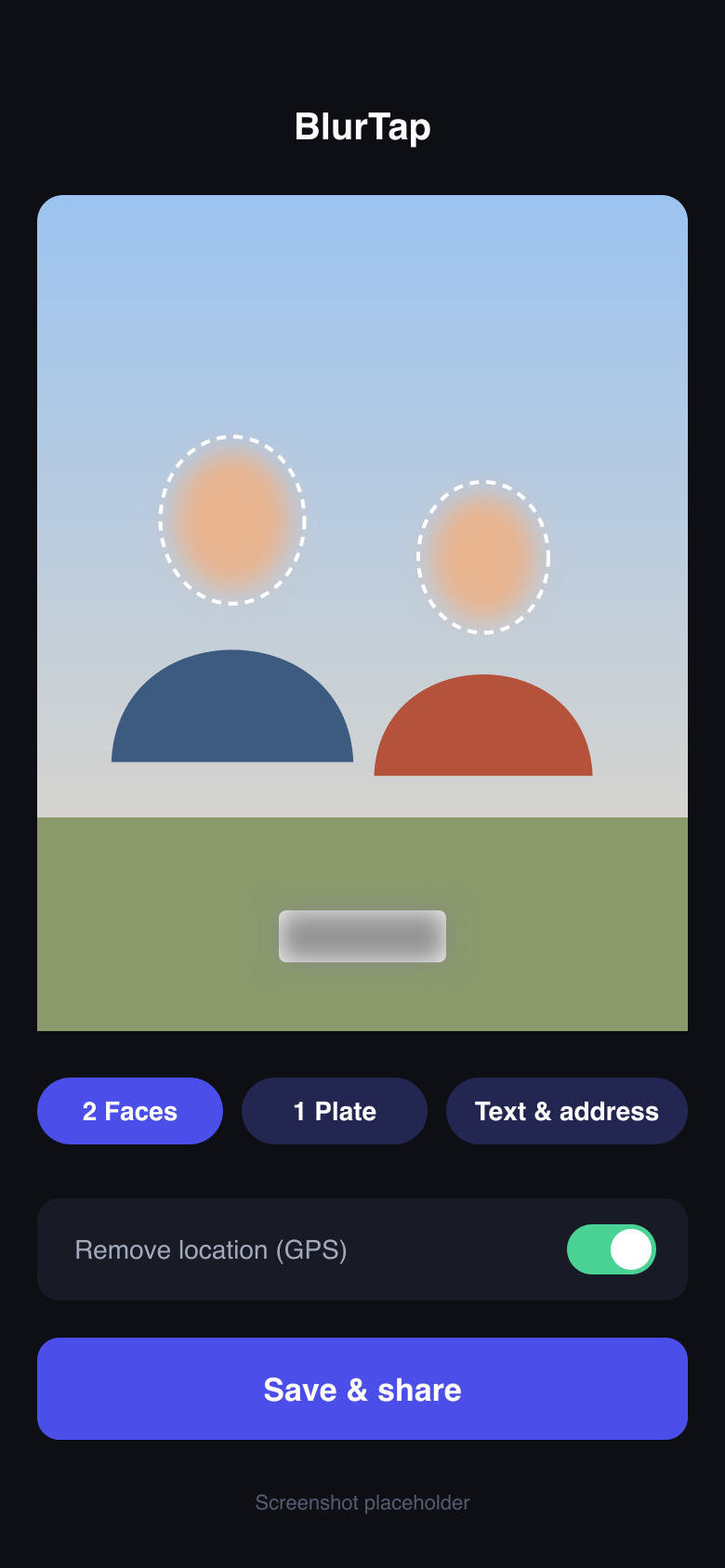
BlurTap finds the faces, license plates, text and addresses in your photos and videos, blurs them in a tap, and removes the hidden GPS location. Nothing leaves your iPhone.
on your iPhone
On a computer? Try the free online face blur.
Three steps, a few seconds
Pick photos or a video
Choose one shot, a whole batch, or a clip straight from your library.
BlurTap marks what to hide
Faces, plates, text and addresses are detected on the device and blurred automatically. Check the result before you save.
Save or share a clean copy
The new copy has the blur baked in and the location data removed. Your original stays as it was.
Everything you’d otherwise do by hand
Privacy editing usually means three apps and a lot of finger painting. BlurTap does it in one place.
Faces, found for you
Every face in the frame is detected automatically, including people in the background you didn’t notice when you took the shot.
Videos, not just photos
Blur faces across a whole clip. No scrubbing frame by frame or tracing a mask by hand.
License plates
Hide plates on your own car or on cars parked nearby before you post a listing, a dashcam clip or a street photo.
Text and addresses
Cover house numbers, shipping labels, names on mail, screens and documents that show up in the background.
Location removed
iPhone photos carry the GPS coordinates of where they were taken. BlurTap strips that data from the copy you share.
Many photos at once
Select a batch from your library and clean them all in one pass, ready for a listing or an album.
Your photos never leave your iPhone
An app that hides faces shouldn’t need to see them on a server.
- On-device processing. Face, plate and text detection runs locally on your iPhone.
- No uploads, no account. There is no cloud copy of your photos to be breached, sold or used for training.
- Location stripped. The GPS coordinates in the photo’s metadata are removed from the copy you share.
- Originals untouched. BlurTap saves a new copy, so you can always go back to the original.
Where blurring matters most
Kids, friends who didn’t agree to be posted, and the house number behind them.
Read the guide →Facebook Marketplace
Sell the couch without showing your family photos, mail or front door.
Read the guide →eBay
What to hide in listing photos, and what eBay buyers expect to see.
Read the guide →Stay anonymous: faces, usernames and the details that dox people.
Read the guide →License plates
When to blur a plate, and how to do it so it can’t be read back.
Read the guide →Blur faces on iPhone
Every built-in method compared, from Markup to Clean Up.
Read the guide →Frequently asked questions
Does BlurTap upload my photos anywhere?
No. Detection and blurring run on your iPhone. Your photos and videos are not sent to a server, so there is nothing for anyone else to store, scan or leak.
Can BlurTap blur faces in videos?
Yes. Pick a video and BlurTap blurs the faces it finds throughout the clip, so you don’t have to edit frame by frame.
What does “remove location” actually remove?
Photos taken with an iPhone camera usually store the latitude and longitude where they were taken in their metadata (EXIF). Anyone who gets the original file can read it. BlurTap saves a copy without that GPS data, so a buyer, stranger or group chat member can’t see where the photo was taken.
Can a blurred face be un-blurred?
Light blurs and small pixel blocks can sometimes be partially reversed, especially on text. BlurTap writes a strong blur directly into the pixels of the new image, so the original detail is gone from the copy you share. Your original stays untouched in your library.
Why not just use the Markup pen in Photos?
Markup works for one or two faces in a still photo, but you have to cover each face by hand, the highlighter is semi-transparent, and it does nothing for videos or location data. See our iPhone guide for a full comparison of the built-in options.
Which iPhones does BlurTap work on?
BlurTap requires iOS 17.0 or later. Check the App Store listing for the current compatibility details.
Can I try it without installing anything?
Yes. Our free online face blur tool blurs faces in a single photo right in your browser, also without uploading it. For videos, batches, plates, text and location removal, use the iPhone app.
Share the moment, not the people in it.
Faces, plates, text and location, handled before you hit post.
on your iPhone